Connect the stack
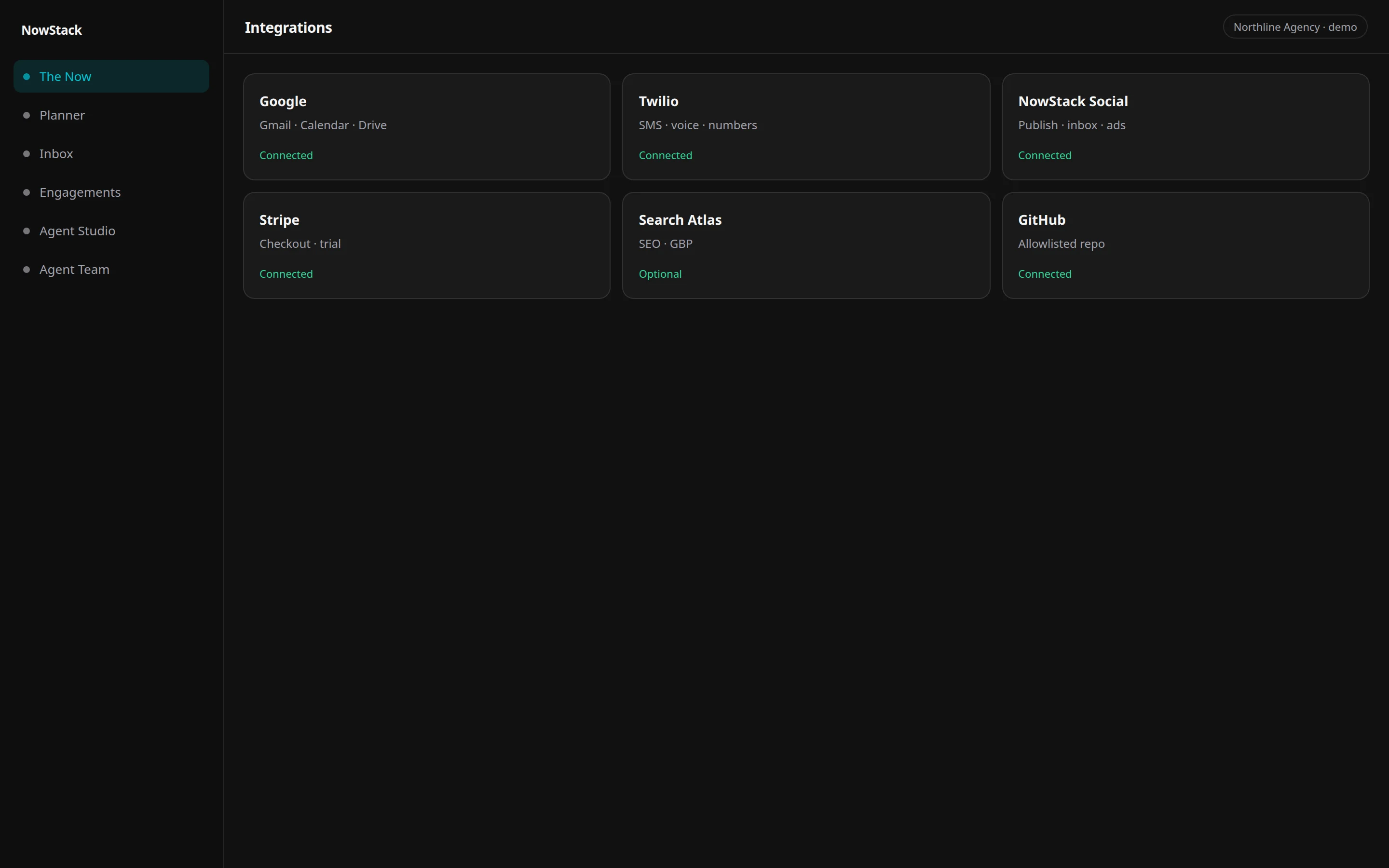
Gmail, Calendar, Drive, Docs, Analytics, and Search Console as real connections.
Last updated: September 20, 2026
7-day free trial • Stripe collects a payment method • Cancel before day 8.
What it connects
Google connections bring Gmail, Calendar, Drive, and Docs into the hub, plus Analytics and Search Console when you need measurement. Mailbox OAuth is bound to one user grant.
What stays in approval
Inbox triage drafts land in Command Center. Customer-facing replies wait on a human yes. Calendar changes that need a person still pause.
How to connect
Connect Gmail and Calendar on Settings → Team (your profile). Analytics, Ads, GBP, and Search Console are on Settings → Integrations.
Related desks
- Support & Inbox Lead — Email, SMS, and chat triage, reply drafts, support tickets, and bug escalation.
- Executive Assistant — Owns the calendar: meetings, focus blocks, buffers, and the conflicts between them.
Questions
Connect it on the live workspace.
Seven days on the real product. Stripe collects a payment method. $0 for 7 days. Cancel before day 8 or Stripe charges the price shown at checkout.