The OS, not another tab.
The operating system for the workday
Tasks, inbox, CRM, and agents share one tenant-isolated workspace. You connect the stack. Operator routes. You approve. Seven days on the live product, not a walkthrough video.
Last updated: September 20, 2026
7-day free trial • Stripe collects a payment method • Cancel before day 8.
Command Center
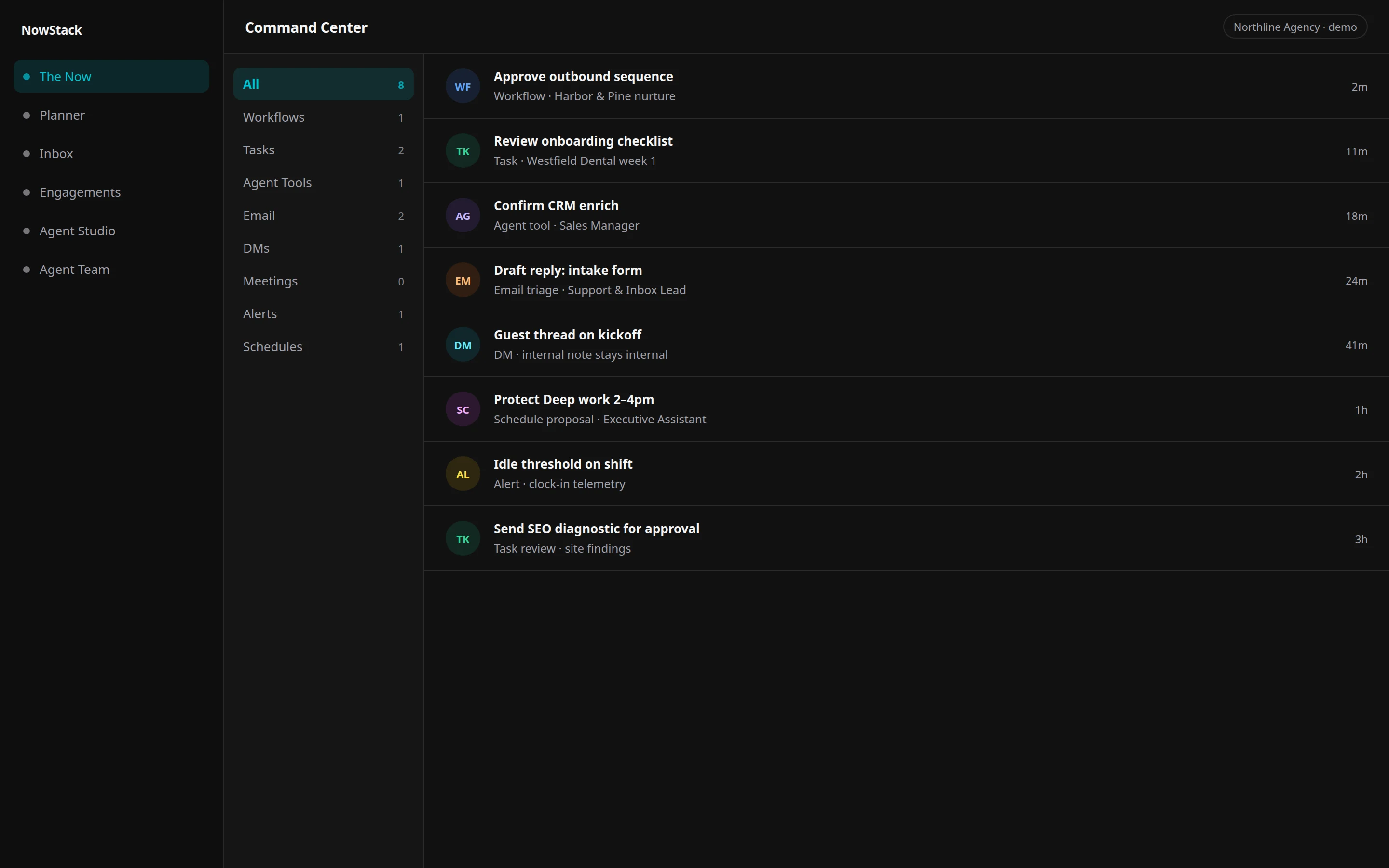
The Now is the daily home: a single feed of what to do, what agents drafted, and what still needs a human yes.
You stop reconstructing the morning from email, chat, and a personal board. The briefing is the product.
Open Command Center. Filter the feed: workflows, tasks, agent confirms, email, DMs, meetings, schedules, alerts. Open a card. Approve, reject with a reason, send a draft, archive, or turn a message into a task.
Tasks
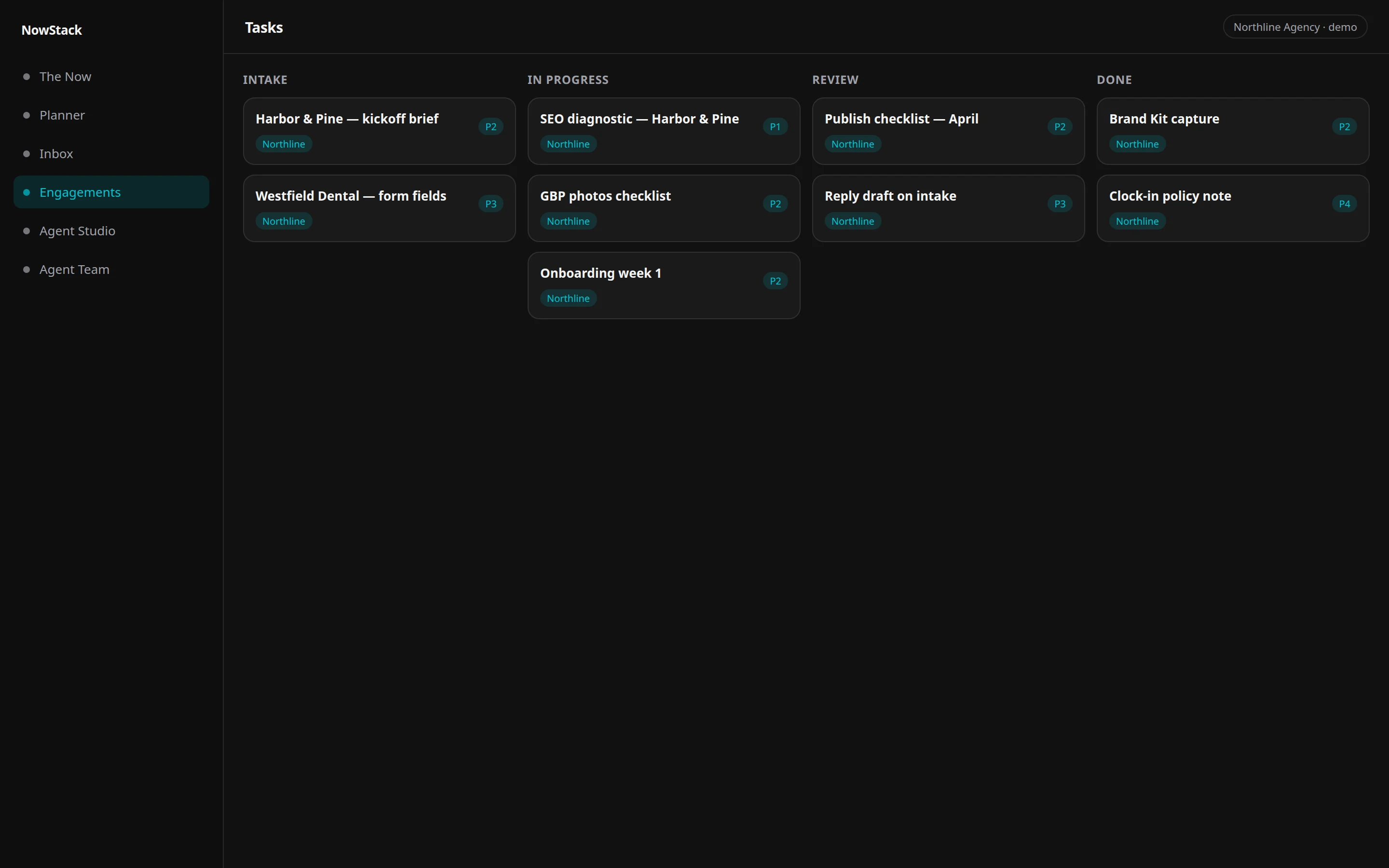
Pipelines, P1–P4 priorities, durations, and custom fields. Table and kanban on the same work.
Boards stay flexible without a new database column for every client quirk, and without a second system for the rest of the day.
On tasks, switch Table or Kanban. Filter by pipeline, priority, status, assignee. Open a row for description, subtasks, dependencies, time tracking, linked contacts, comments, and Send for approval.
Unified Inbox
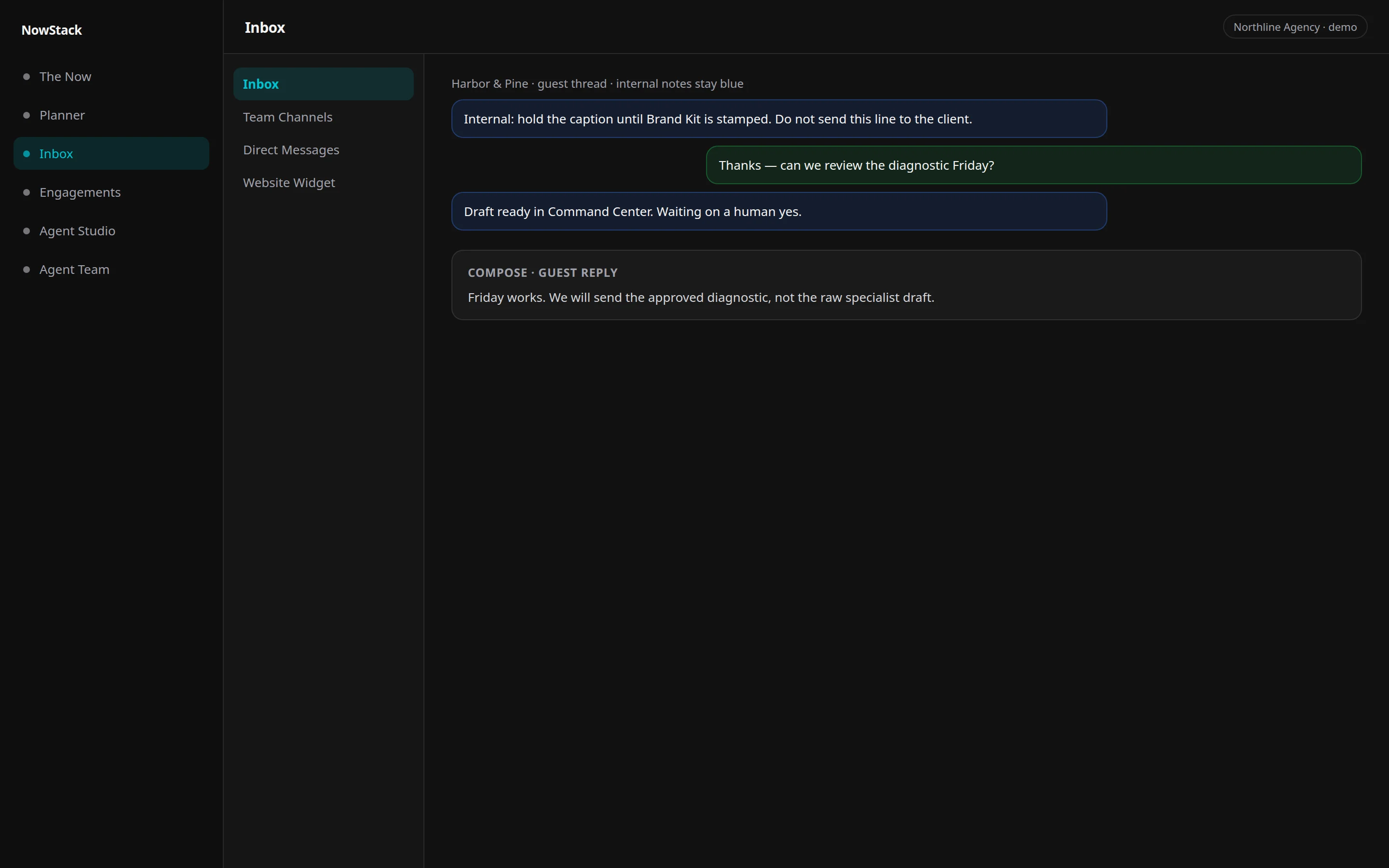
Comms aggregates team IM, DMs, the website widget, and task-backed inbox threads in one surface.
Internal notes stay visually distinct from guest chat, so a support reply cannot leak a private thread.
Open Comms. Use the sidebar: Inbox, Team Channels, Direct Messages, Website Widget. Compose with the channel badge visible: internal note vs guest reply.
CRM
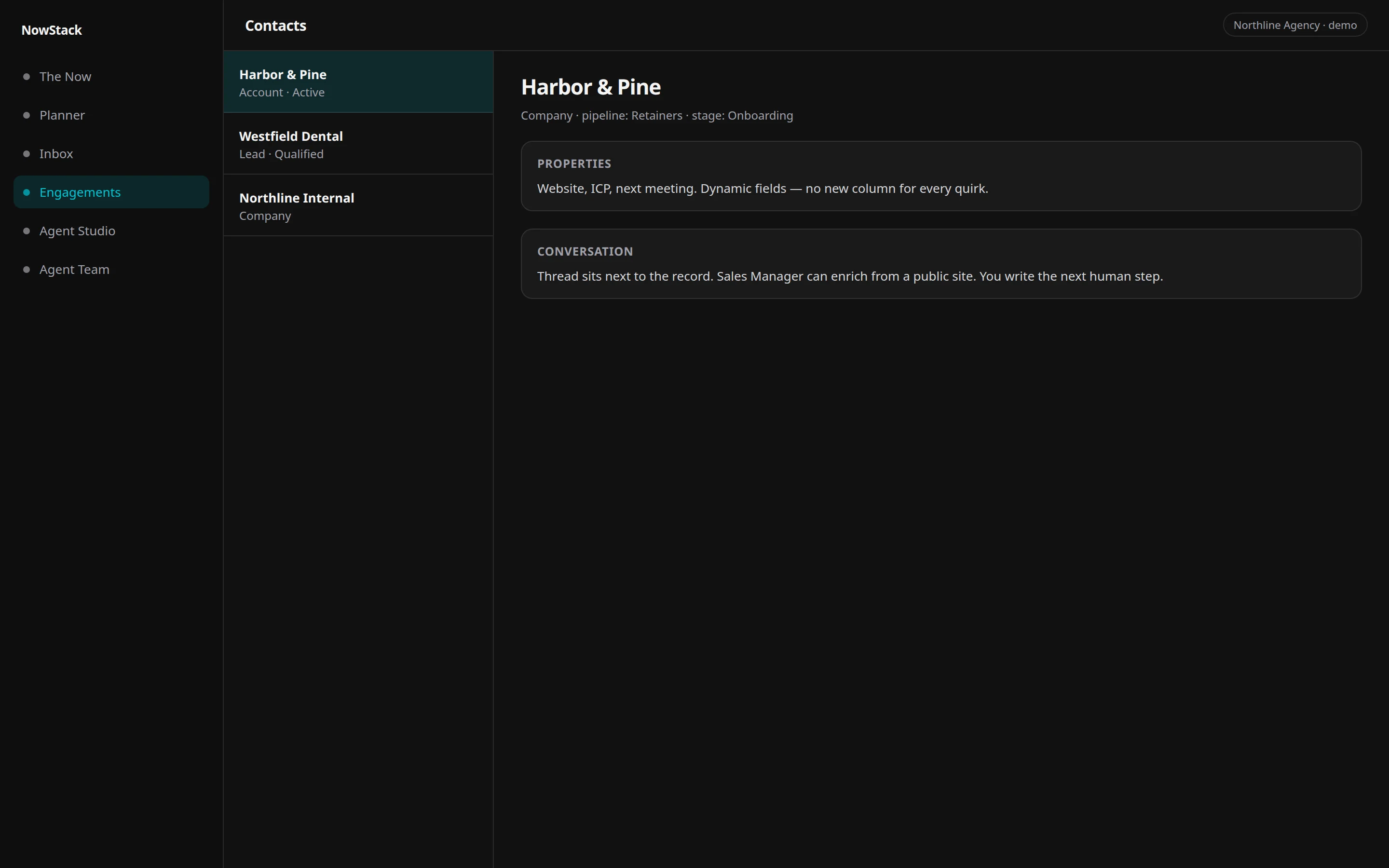
Contacts and companies with dynamic properties. The Sales Manager can enrich a prospect from a public site.
NowStack AI includes native CRM. Connectors are optional. If you are choosing between systems, see how the OS compares.
Open contacts. Browse or search. Open a contact: property grid on the left, conversation on the right. Ask the Sales Manager to enrich from a public site. Review the draft; you write the next human step.
Studio
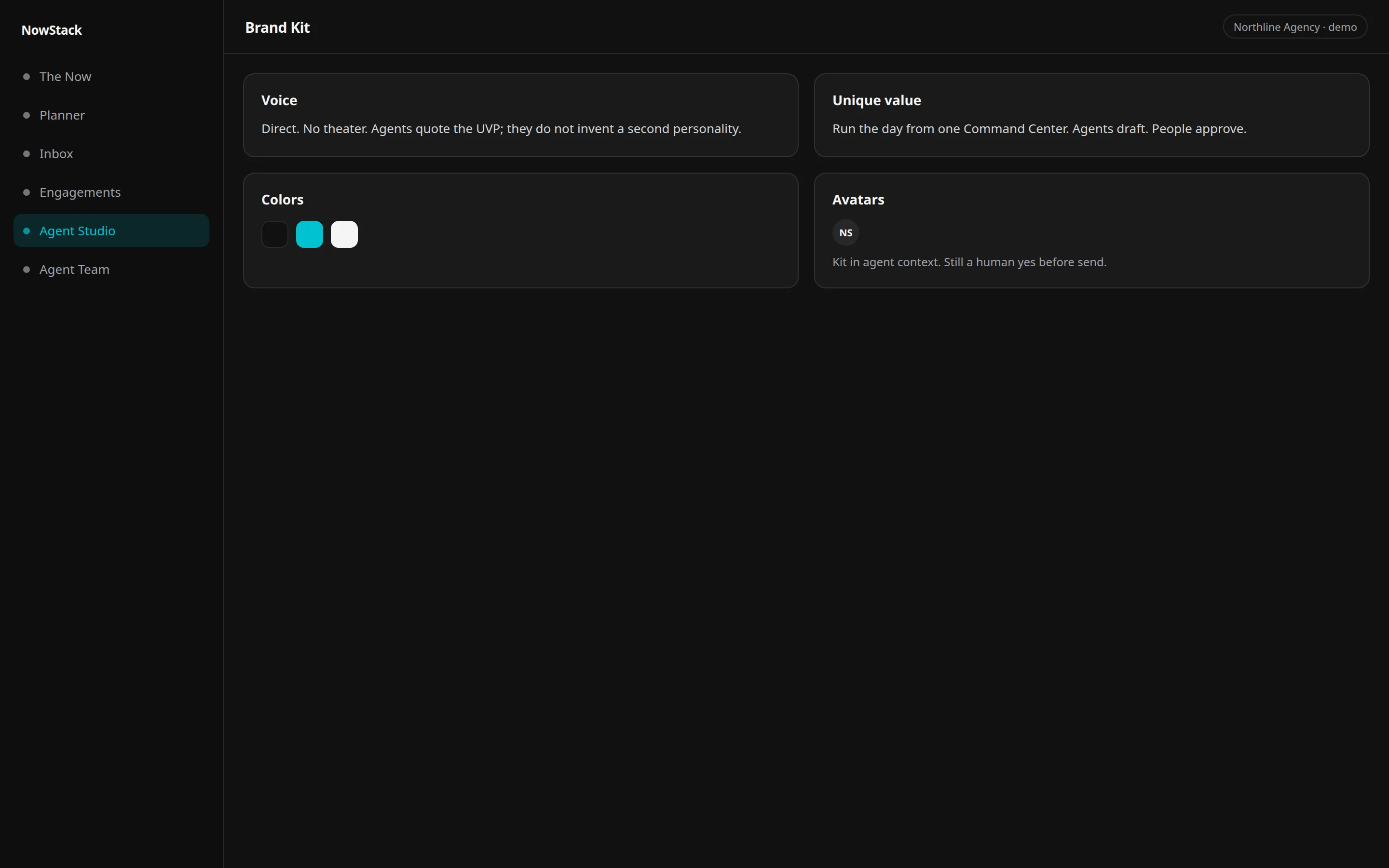
Studio is the prompt-first workspace for brand, content, and vibe work: chat, vibe, image, and video, in the same tenant as ops.
Marketing output is an artifact in the OS, not a side tool you paste back into chat.
Open Studio. Prompt in the hub, resume a session from the sidebar, or switch to vibe, image, or video. Customer-facing publish still waits on a human yes.
Agents
Operator is consultation-only: it decomposes work and delegates. Specialists handle tasks, schedule, email, CRM, SEO, and more. You get drafted work you can govern, not a generic chat that freelances the company. Nothing customer-facing ships without approval.
25 talkable desks: the Operator, two routing leads, and 22 specialists. Titles come from the same org chart as the product team page. Use the Operator to escape the matrix.
Operator plus specialists
The Operator is the Chief Operating Officer — the one you talk to. Two leads route Marketing and Platform only. Twenty specialists do the work. Agents draft. People approve.
Executive Office
The desks that sit next to you. A COO does not go through a department head to move their own calendar.
Marketing
Everything you say to the market first — the brand behind it, the pages, the posts, the rankings, the campaigns, and recorded video and podcasts.
Sales
The pipeline: who is in it, what stage they are at, and where it leaks.
Customer Support
Anything a person sent you. One event, one desk, regardless of which channel it arrived on.
Finance & People
Money out, money in, and who was actually on shift when it happened.
Platform
The team that builds the rest of your system: automations, custom agents, internal tools.
The roster
| Desk | Department | Job |
|---|---|---|
| Chief Operating Officer | Executive Office | The one you talk to. Reads the goal, picks the desk, and owns the outcome end to end. |
| Chief of Staff | Executive Office | Turns a goal into a plan with dated phases, owners, and dependencies — then keeps it honest. |
| Executive Assistant | Executive Office | Owns the calendar: meetings, focus blocks, buffers, and the conflicts between them. |
| Head of Insights | Executive Office | Revenue, retention, and conversion numbers, and the briefing that explains what moved. |
| Marketing Lead | Marketing | Routes work among the desks below. Does not do the work. |
| Brand Director | Marketing | Positioning, voice, and the brand kit every other desk writes against. |
| Attraction Marketing | Marketing | Writes in the brand voice after insights and before content. Value first, keyword in the comment, no link in the body. |
| Content Lead | Marketing | Articles, landing pages, and the calendar that decides what gets written next. |
| Social Lead | Marketing | Posts, community seeding, and public replies — including the reviews you would rather ignore. |
| SEO & Answer Engine Lead | Marketing | Keyword and competitor research, technical audits, and whether AI assistants name you at all. |
| Campaign Manager | Marketing | Outbound email you initiate: nurture sequences, broadcasts, cold outreach. Never inbound replies. |
| Local SEO Operator | Marketing | Site audits, content publish, and Google Business Profile actions on the connected SEO platform. |
| Ads Lead | Marketing | Paid Meta and Google campaigns, budgets, and snapshots. Organic posts stay on social. |
| Video Editor | Marketing | Recorded media on the connected editor: edits, captions, transcripts, and web-link publish — not Creative Studio stills. |
| Sales Manager | Sales | NowStack contacts, companies, opportunities (deals), lead research, and diagnosing a stalling funnel. |
| Location CRM Specialist | Sales | Live location contacts, SMS, calendars, and that connector’s social planner — not the NowStack CRM. |
| Support & Inbox Lead | Customer Support | Email, SMS, and chat triage, reply drafts, support tickets, and bug escalation. |
| Back Office Manager | Finance & People | Invoices, payouts, ledger reconciliation, shift presence, and late check-ins. |
| Platform Lead | Platform | Routes work among the desks below. Does not do the work. |
| Automation Engineer | Platform | Designs and repairs canvas automations, triggers, and the schedules behind them. |
| Journey Architect | Platform | Designs the customer journey canvas and binds it to CRM, a connected location, pages, and ops — not contact moves. |
| Agent Engineer | Platform | Creates and tunes your own custom agents — their instructions, tools, and skills. |
| Application Engineer | Platform | Builds internal tools and previews in an isolated sandbox, then publishes them to Studio. |
| Site Developer | Platform | Fine-tunes the live site: GitHub PRs and HITL deploys on the allowlisted repo. |
| Template Librarian | Platform | Finds the prebuilt blueprint before anyone builds one from scratch. |
The Execute Today loop
The product is built around a daily rhythm, not a pile of features. The planner colors the calendar to match so the day stays honest.
01
Morning Prep
Review AI briefings before you touch the inbox.
02
Prospecting
Protected outreach time — the work that fills the pipeline.
03
Client work
Meetings and delivery that actually produce revenue.
04
Deep work
Uninterrupted execution blocks the planner defends.
05
Shutdown
Post what shipped and plan tomorrow so today actually ends.
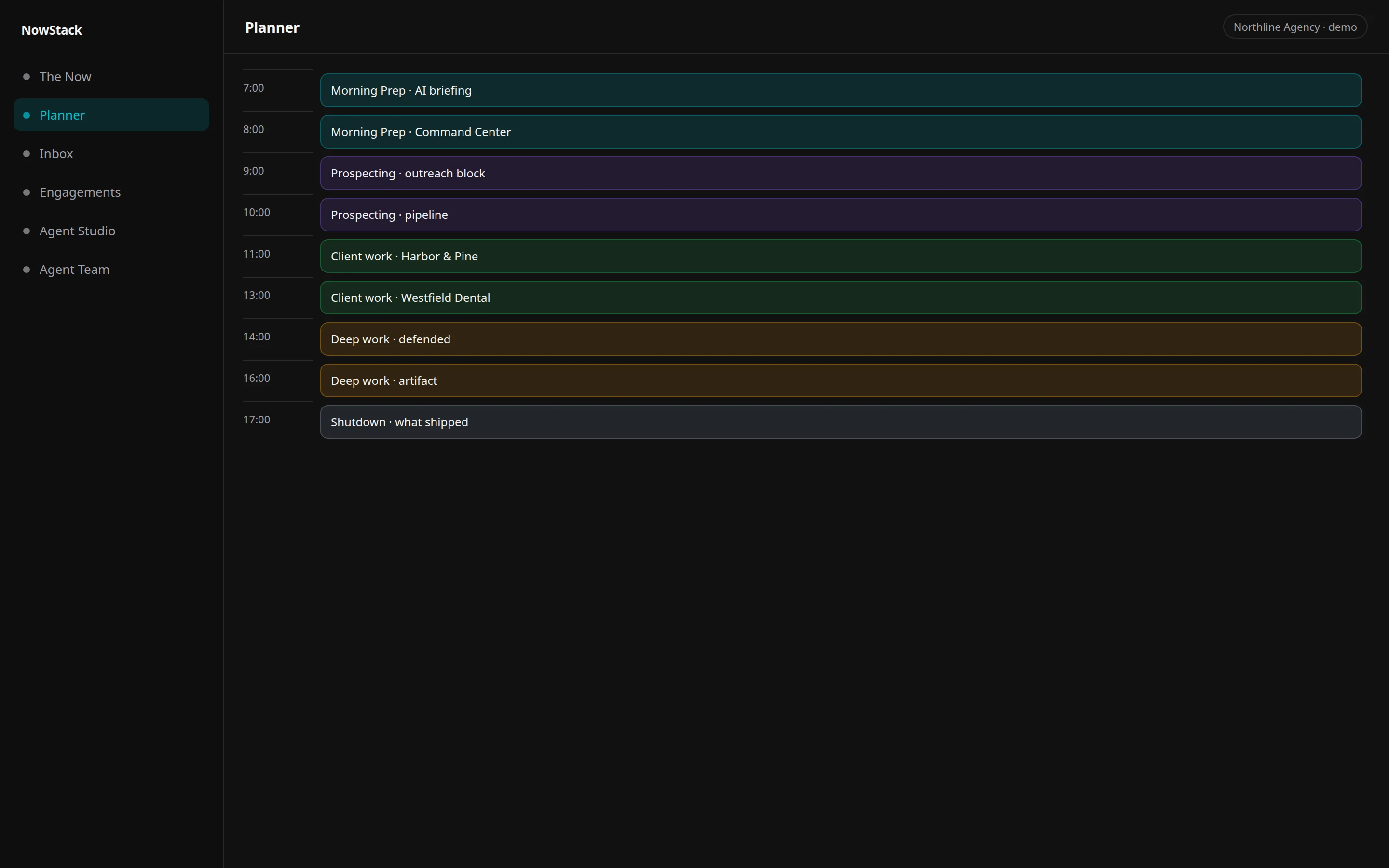
A daily loop the calendar defends — planner algorithm, /features/planner alias.
The OS, not another tab
| Need | The OS | Another tab |
|---|---|---|
| Morning | Open Command Center. The feed is the briefing. | Reconstruct the day from chat, email, and a personal kanban. |
| Outbound | Agents draft. You approve in Command Center. | A chatbot freelances. Hope nobody hits send. |
| Inbox | Team IM and guest threads share one comms surface, visually distinct. | Internal notes leak into client replies. |
| Work | Tasks, CRM, and agents share one tenant. | Board here, CRM there, AI in a third window. |
| Trial | Seven days on the live workspace. | A demo video. We do not have one. Use the real product. |
Questions
Seven days on the real product.
Live workspace: Command Center, tasks, inbox, CRM, and agents with approvals. Stripe collects a payment method. Cancel before day 8 or Stripe charges the price shown at checkout.